Display room graphic and room details
Display Room Graphic
- The Room Overview displays.
Display Room Overview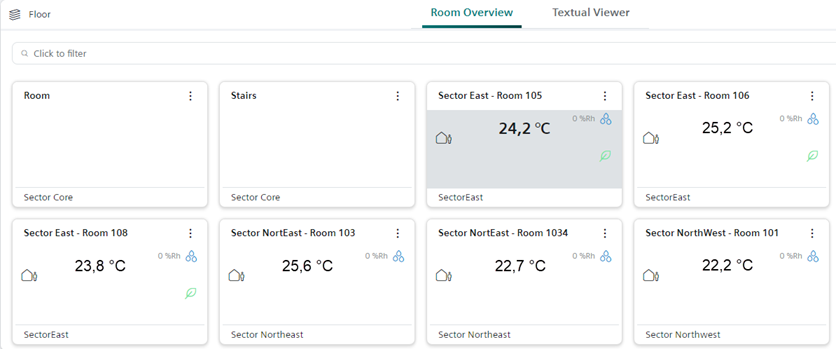
- Select the room.
 and select Go to room.
- The room is displayed in the secondary workspace in the Graphic Viewer.
Display room details
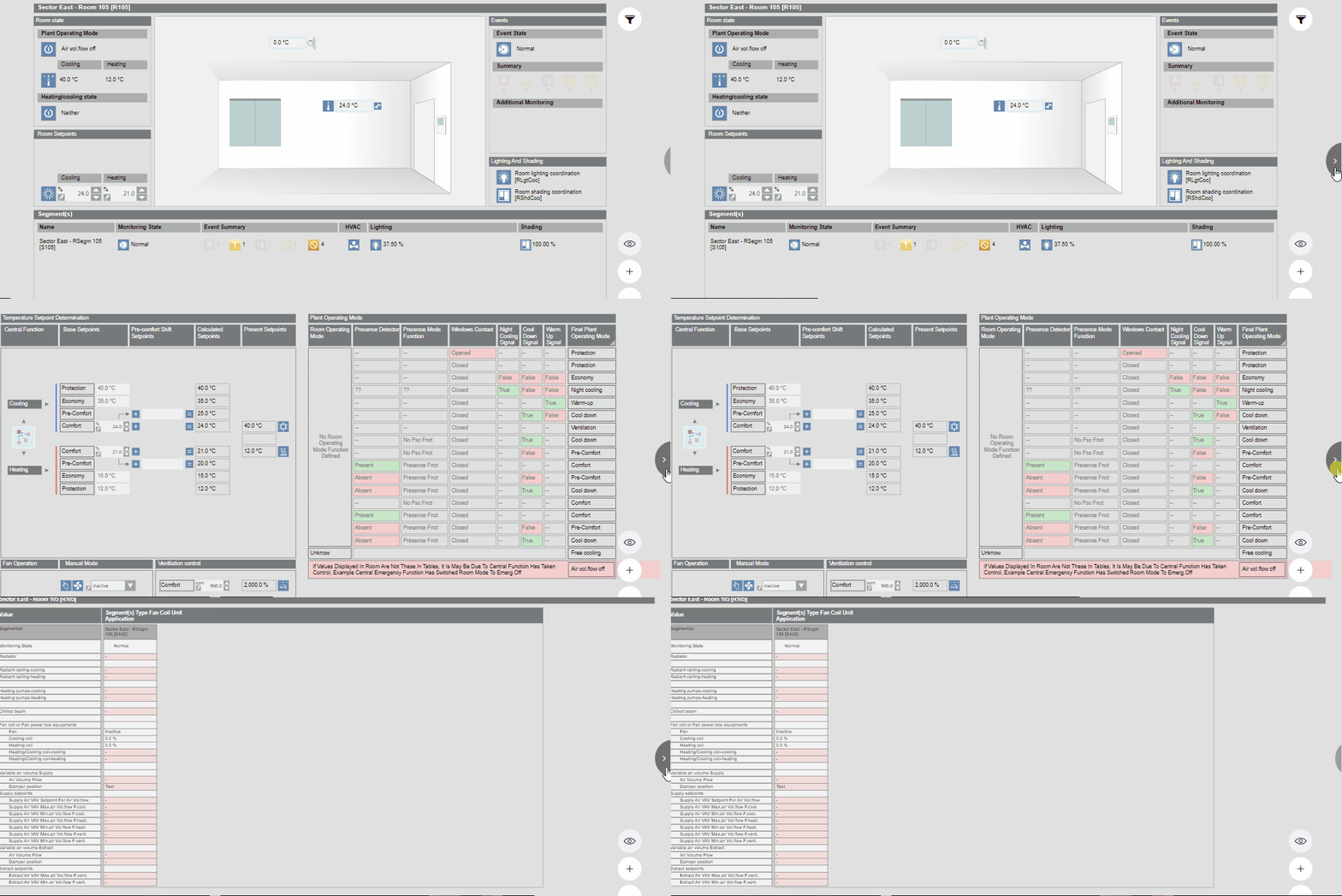
- The room graphic is open.
- Select next in the graphic.
- The room details are displayed.