Control lighting and blinds
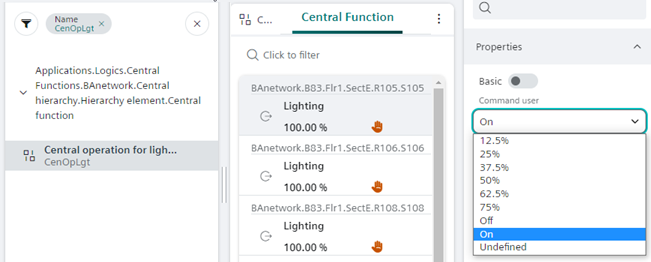
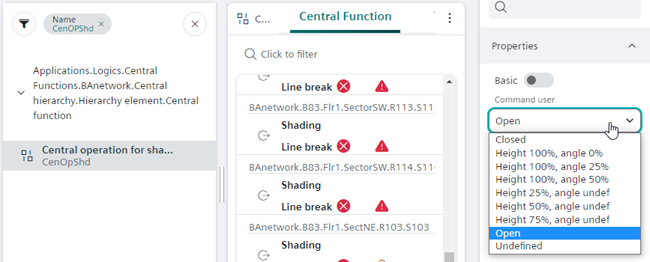
Central functions with predefined values control lighting and shading.
Control lighting and blinds
- In System Browser, select Application View.
- Select the predefined filter
 for lighting (CenOpLgt) or shading (CenOpShd).
Setup Filter for Central Functions - The associated objects are displayed in Central Functions.
- Select the Properties tab.
- Select Basis
 .
. - For:
- Priority 13 the field Command user.
- Priority 8 the field Command manual.
- In the drop-down list, select the luminance and blinds height.
- Confirm
 .
.