Apply Filter
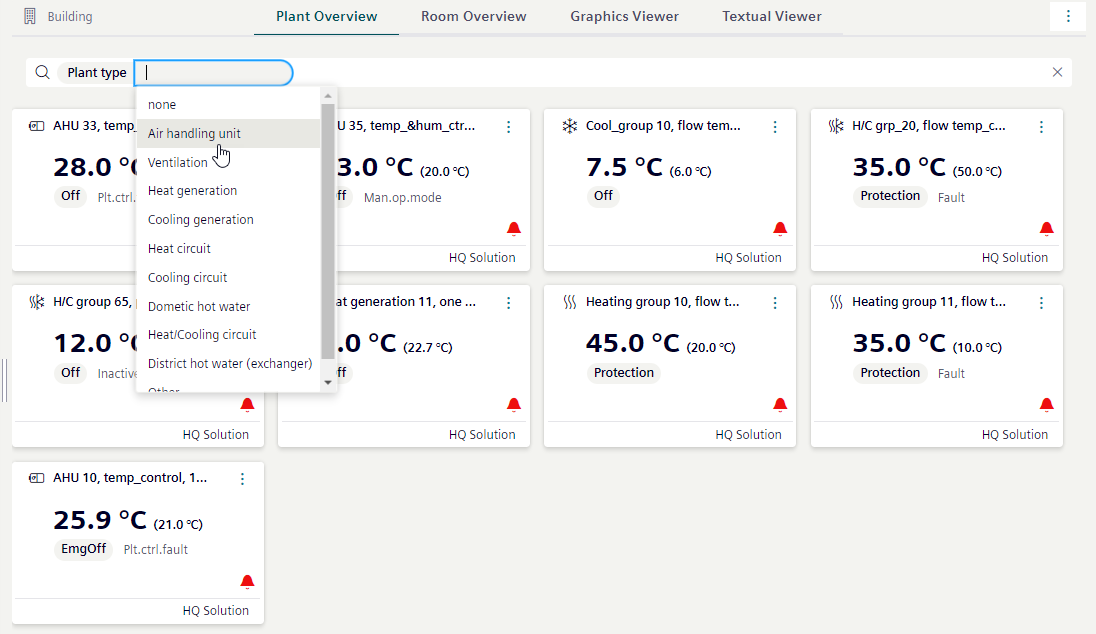
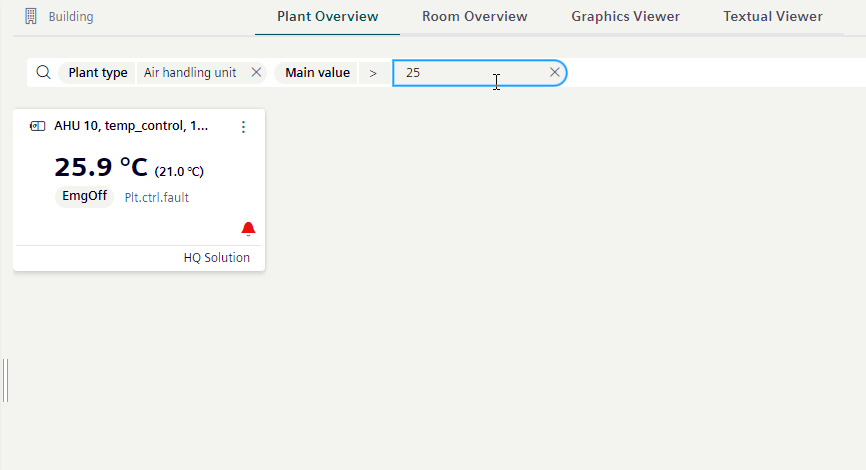
You can use filters to refine the view of the plants. Using two or more filters further limits the view (AND operand). The filter applies immediately upon entry. The Plant Overview might display without content for a brief period.
- Select search field and Select filter
 .
. - Select a search criterion from the drop-down list.
- Select a value or operand from the drop-down list.
- Enter the filter value for the search.
- The plants are filtered.