Check Licenses
The following section describes how to check Desigo CC licenses in the Flex web/desktop app.
Checking Licenses in the Flex App
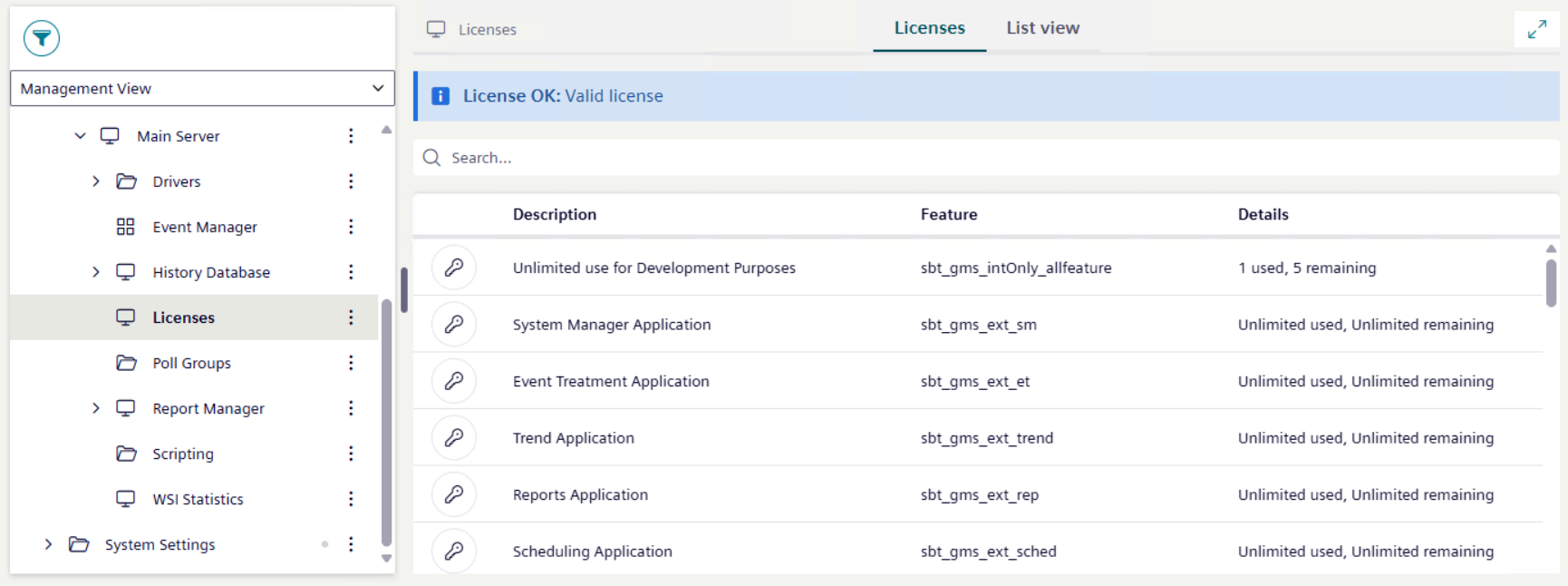
- From the views list box, select Management View.
- Select Project > Management System > Servers > Main Server > Licenses.
- The current license mode displays on top.
- The full list of installed license features displays in the Licenses tab, below the license mode.
- In the search box on top of the list, enter a specific text to filter data to the wanted result.
License Modes in the Flex App
Note that Demo mode is not supported in the current version of the software.
Normal Mode

For more details, in the Desigo CC help, see License Modes, section Normal License Mode.
Courtesy Mode
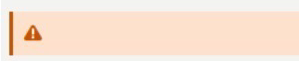
For more details, in the Desigo CC help, see License Modes, section Courtesy License Mode.
Engineering Mode
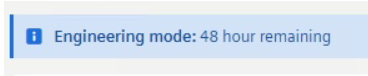
For more details, in the Desigo CC help, see License Modes, section Engineering Mode License.